Free word search generator for kids. Choose from 42 ready-made topics including animals, space, dinosaurs, Christmas, Halloween, food, science and more, or type in your own words to create a completely custom puzzle. Play on screen by clicking and dragging to find words, or print the puzzle and use it as a worksheet. Perfect for primary school teachers, home educators and parents looking for a quick activity. No sign up needed.
How to Create a Word Search in Seconds?
Click any topic button on the left side to instantly load a set of words for that theme. If you are a teacher or parent with specific vocabulary in mind, type your own words into the word box and press Enter after each one — you need at least three words and can add up to twenty. Choose your grid size, set the difficulty level and click Generate Word Search. The puzzle appears immediately on the right. To play on screen, click the first letter of a word and drag to the last letter. Found words light up in bright colours and get crossed off the word list automatically. Click Print for a clean worksheet with no buttons or menus.
Why Word Searches Are Brilliant for Children
Word searches are one of those rare activities that feel like pure fun to children while actually delivering real educational benefits. Finding words in a grid requires children to recognise letter patterns, read left to right, scan systematically and stay focused — all skills that transfer directly to reading and literacy development. For younger children the simple act of searching for familiar words reinforces spelling. For older children the harder diagonal and backwards modes build concentration and visual processing skills. Because every generated puzzle is unique, children never see the same puzzle twice, which means the activity stays fresh and engaging every time.
How Teachers Can Use the Word Search Generator
The word search generator is designed with classroom use in mind. Type the key vocabulary from your current lesson into the word box — science terms, geography names, historical figures, mathematical language, spelling list words — and generate a puzzle in seconds. Print one copy per student and use it as a starter activity while the register is being taken, a vocabulary reinforcement exercise mid-lesson, or a quiet calm-down activity at the end of the day. Because the puzzle generator is random, two children sitting next to each other will have different puzzles even with the same word list, which discourages copying and keeps every child engaged with their own unique challenge.
The 42 built-in topics also make it easy to generate a puzzle without preparation. Choose School for a general literacy activity, choose Science for a science lesson warm-up, choose Christmas or Halloween for a seasonal treat. The puzzles print cleanly on A4 paper with the word list clearly shown beneath the grid.
How Parents Can Use the Word Search Generator at Home
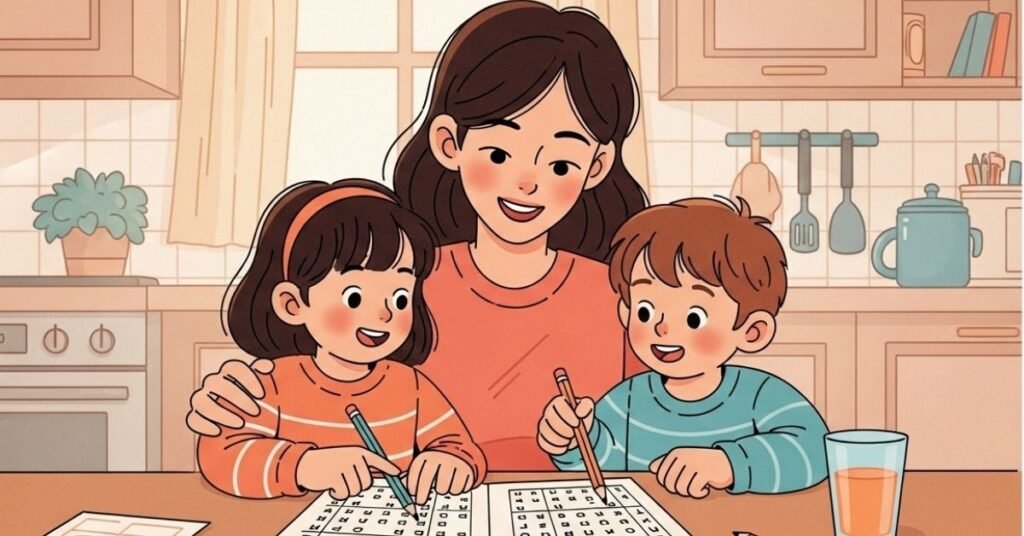
For parents the word search generator is a brilliant screen-free activity that children actually want to do. Set it up on a tablet or laptop and let children choose their own favourite topic — most children gravitate straight to Animals, Dinosaurs or their favourite seasonal theme. For a printed activity, generate the puzzle, click Print and hand it to your child with a pencil. Laminate a few printed puzzles and keep dry-erase markers in the kitchen drawer for a reusable quiet activity on rainy days.
For children doing spelling practice at home, type their weekly spelling list into the custom word box and generate a puzzle around those exact words. It turns a chore into a game. Children often ask to do another one — which means they are practising their spellings without realising it.
The Three Difficulty Levels Explained
Normal mode places all words going right or downward only. This is the easiest setting and works well for children aged five to eight and for anyone playing a word search for the first time. Plus Diagonal adds all four diagonal directions so words can go in eight directions total. This suits children aged eight and above and makes the puzzle noticeably more challenging. Plus Backwards places some words reading right to left or bottom to top on top of all the diagonal directions. This is the hardest setting and works well for older children, teenagers and adults who want a genuine challenge that requires careful scanning.
The Three Grid Sizes for Different Ages and Occasions
The ten by ten grid is ideal for younger children in Reception and Key Stage 1. The smaller grid means fewer filler letters and easier searching which builds confidence. It also fits neatly on half a page which is useful for worksheets. The fifteen by fifteen grid is the standard size and works for most ages from Year 3 upwards. It gives enough room for a good variety of words without becoming overwhelming. The twenty by twenty grid is best for older children and adults, for large word lists and for expert difficulty mode. It creates a substantial puzzle that can take fifteen to twenty minutes to complete.
The 42 Word Search Topics for Children
Animals, Space, Nature, Sports, Food, School, Christmas, Geography, Colours, Safari, Science, Emotions, Pets, Ocean, Insects, History, Music, Desserts, Transport, Home, Clothes, Tropical, Elements, Countries, Baking, Dinosaurs, Technology, Halloween, Sea Creatures, Spring, Winter, Fitness, Gaming, Garden, Cooking, Birds, Fairground, Literature, Night Sky, Farm, Beach and City.
Frequently Asked Questions : FAQ
Can I use my child’s spelling list words?
Yes. Type each word from their spelling list into the word box and press Enter after each one. You can add up to twenty words. This is one of the most popular uses for the generator among parents.
What age is the word search suitable for?
The ten by ten grid in normal mode suits children from around five years old. The larger grids and harder difficulty modes suit children aged eight and above. The twenty by twenty expert mode works well for teenagers and adults.
Can I print the puzzles?
Yes. Click the Print button and the puzzle prints cleanly as a worksheet with the grid and word list only — no buttons, menus or colours appear on the printed version. For classroom use print directly from the browser. For home use consider laminating a few sheets for reuse with dry-erase markers.
Can children play on a tablet or phone?
Yes. The word search is fully touch-enabled. Children press and drag their finger from the first letter to the last to select a word. The grid adjusts its cell size automatically for smaller screens.
How many times can I generate puzzles?
Unlimited. Every click of Generate Word Search creates a completely new random layout. You can generate twenty different puzzles from the same word list and every one will be different.
Is there a Reveal All option if a child gets stuck?
Yes. Click the Reveal All button to highlight every remaining word so children can see exactly where they are hidden. This is useful for younger children who need a confidence boost or for checking a completed puzzle together.
Is it free?
Completely free with no account, subscription or time limit.
More Free Activities for Kids on Krystle Art Publications
Kids Trivia Quiz — krystleartpublications.com/kids-trivia-quiz
Road Trip Bingo — krystleartpublications.com/road-trip-bingo
Easter Egg Hunt Clue Generator — krystleartpublications.com/easter-egg-hunt-clue-generator
Memory Card Game — krystleartpublications.com/memory-card-game
Last updated: March 2026 · Free activity by KrystleArtPublications.com · Find them all! 🔍